7 Best AI Coding Tools for Writing and Debugging Code
I've lost count of how many AI coding tools I've installed this year. Most of them can write a clean function from a one...
The fastest way to turn a lyric or an idea into a finished, original song in 2026 is an AI music generator, and after weighing the leading options on sound quality, creative control, licensing, and price, Suno is the strongest all-round pick, with seven other tools that beat it for specific needs like commercially cleared vocals, cinematic scoring, or publishing straight to streaming. This guide breaks down the eight best, what each one is genuinely good at, what it costs, and how to pick the right fit for the music you want to make.
Not everything that calls itself an "AI music generator" can actually produce a complete, original song. Some tools only make short background loops, and others sound great in a demo but fall apart on a real project. To separate the two, each pick here was judged on the same five things that matter when you want a finished track you can genuinely use.
Here's how the eight tools stack up on the essentials. Each one is covered in depth below.
| Tool | Best for | Free tier | Paid from | Commercial use |
|---|---|---|---|---|
| Suno | Overall quality and vocal songs | 50 credits/day, non-commercial | $10/mo | Paid plans only |
| Udio | Audio fidelity and editing/remix | ~10 credits/day | $10/mo | Paid plans (downloads limited in 2026) |
| ElevenLabs Music | Commercially-cleared, multilingual songs | ~7 songs/day in the app | ~$6/mo | Licensed and cleared from the entry tier |
| Mureka | Budget royalty-free vocal songs | Yes | ~$10/mo | Royalty-free on every plan |
| AIVA | Cinematic and instrumental scores | Yes (non-commercial) | ~$11/mo | Royalty-free on paid plans |
| Soundraw | Copyright-safe tracks for creators | Preview only | $16.99/mo | Royalty-free, included in the plan |
| Boomy | Beginners and releasing to streaming | 25 songs, non-commercial | ~$10/mo | Paid plans; distribute and earn |
| Stable Audio | Sound design and instrumentals | Yes (limited) | $11.99/mo | Licensed training, commercial on paid |
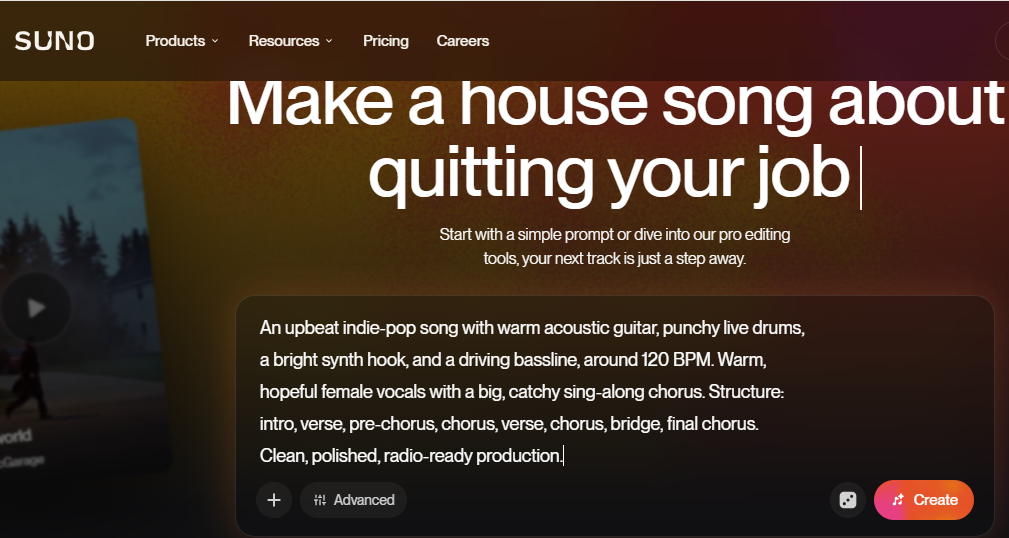
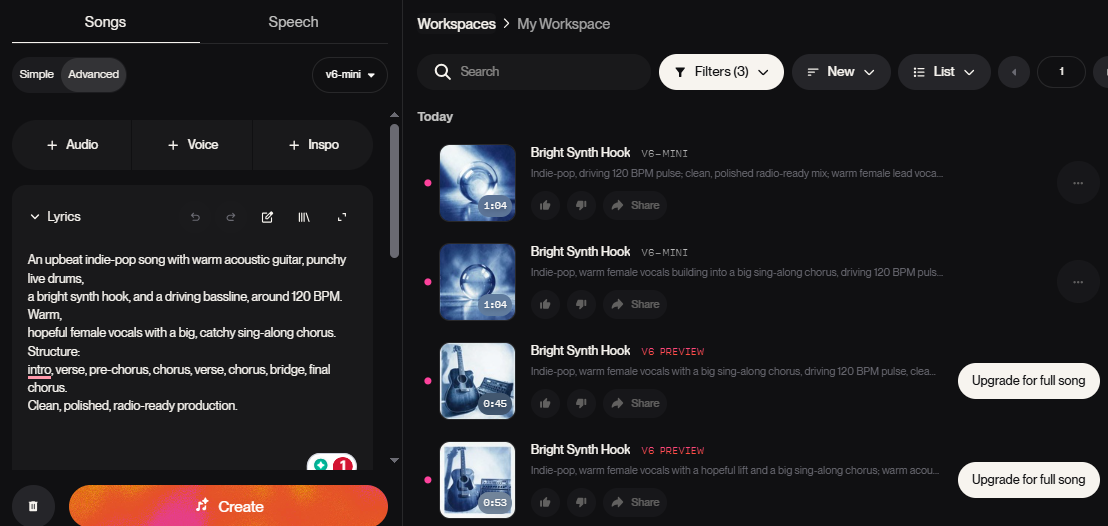
Suno is the tool most people picture when they think of making a song with AI, and it is still the one to beat. Its latest generation, v6 (released September 2026), takes a short text prompt or your own lyrics and returns a complete, structured song (verses, chorus, vocals, and instrumentation) in roughly half a minute. The vocals are the most convincing in the category, carrying real emotion and phrasing across pop, rock, hip-hop, R&B, and almost anything else you throw at it.
What makes v6 more than a novelty is how much you can shape a track after the fact. You can regenerate individual sections, build mashups, sample, and rewrite lyrics in plain language, and the top plan adds Suno Studio, a proper DAW-style workspace with stems for anyone who wants to finish the song by hand.
The free tier is generous for experimenting, with 50 credits a day (about ten songs) on the lighter v6-mini model, though it is personal use only and comes with no downloads. Commercial rights and file exports start on the $10 Pro plan, while the $30 Premier plan adds Suno Studio and far more credits. The one real caveat is legal rather than technical. Suno is still fighting copyright lawsuits from the major labels, so if you plan to release commercially, read its current terms first.
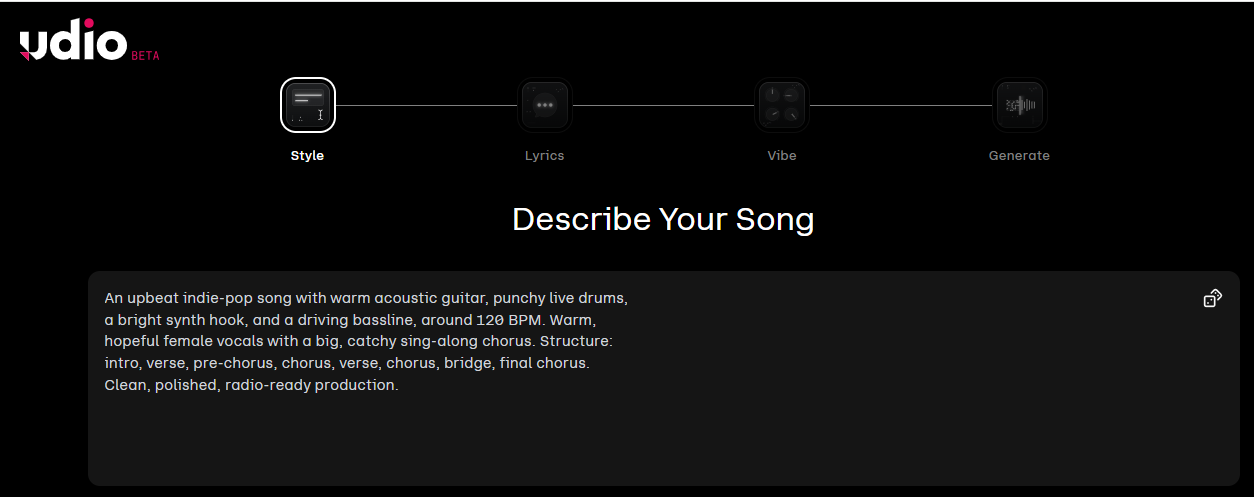
Where Suno chases speed and simplicity, Udio chases audio quality. It renders at 48 kHz and separates instruments more cleanly than anything else here, so individual drums, synths, and guitars each hold their own space in the mix. That fidelity, together with the strongest in-platform editing tools around, has made it the favourite of producers who treat an AI track as raw material rather than a finished product. The vocals are very good too, if a touch less expressive than Suno's.
Editing is where Udio pulls ahead. You can regenerate a specific part of a song, remix it, extend it, and reshape its structure with unusual precision, all without leaving the browser.
Pricing is friendly, with a small free allowance of around ten credits a day and paid plans from $10 a month that add volume and commercial rights. Worth knowing before you commit, though, is that Udio spent 2026 moving to a new platform and file downloads have been restricted in the process, which for now makes it better for creating and polishing inside the app than for exporting. Check the current export terms, and as with Suno, keep its ongoing label litigation in mind.
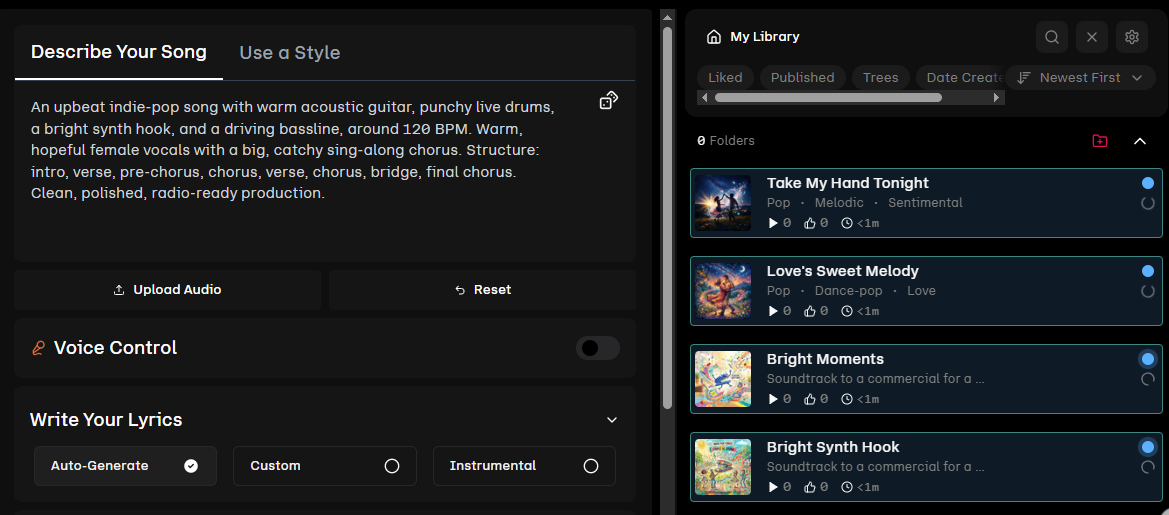
ElevenLabs made its name on lifelike AI voices, and in 2026 it brought that expertise to music. Its Music v2 model has one headline advantage the bigger song generators cannot claim. It is trained only on licensed data and cleared for commercial use, which takes the copyright anxiety out of publishing a track.
In practice, it turns a prompt into up to five minutes of music with vocals and instrumentation, handles a long list of languages confidently, and sits inside the wider ElevenLabs toolkit, so you can pair a generated song with cloned vocals or embedded sound effects. There is even a marketplace where you can license what you make.
The trade-off is cost. Music runs on credits at roughly 900 to 1,000 per minute, the base free plan does not generate music at all (the separate ElevenMusic app offers a thin free allowance of about seven songs a day), and the cheapest music-capable plan lands around $6 a month, rising to about $29 for Pro. The model can also struggle with louder, denser mixes, and it is still catching up to Suno and Udio on raw polish. For anyone who needs to ship commercially without second-guessing the licensing, that is often a price worth paying.
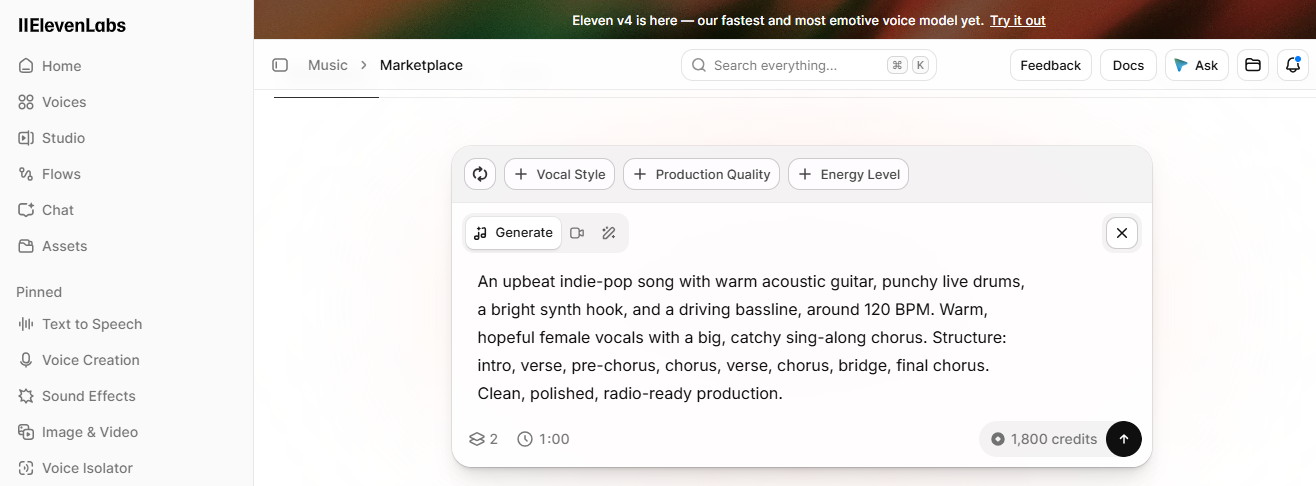
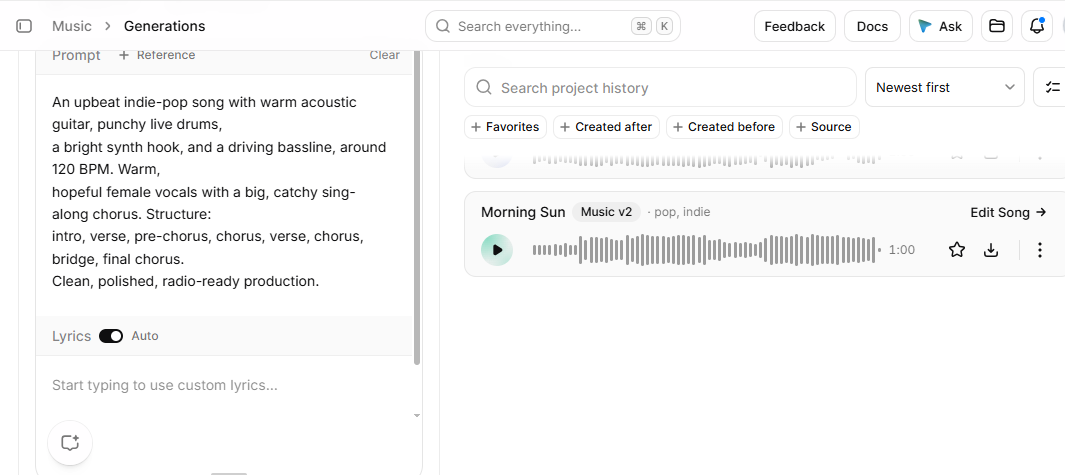
Mureka is the newcomer worth watching. Built on its own MusiCoT architecture, it produces full vocal songs at a quality that belies its age, and it does something almost no rival matches on price. Every plan, the free one included, grants royalty-free commercial rights.
That makes it the value pick for creators who want to release music without paying a premium for the license. The workflow is refreshingly plain. You describe a style, generate a song, and use it commercially without wading through fine print.
Paid tiers start at around $10 a month and mostly buy you higher-quality output and more generations. The honest caveat is maturity. Mureka is newer and less proven than the market leaders, its community is smaller, and its very best results still sit a step below what Suno and Udio can manage. For the price, though, few tools give you this much freedom.
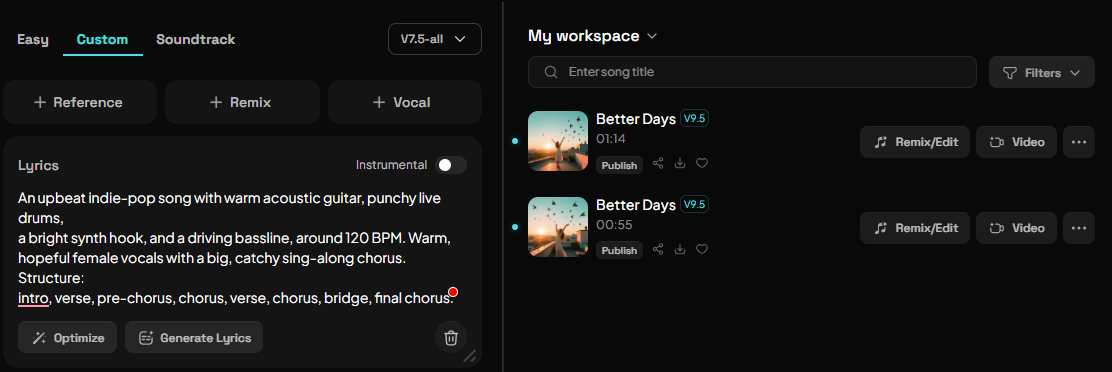
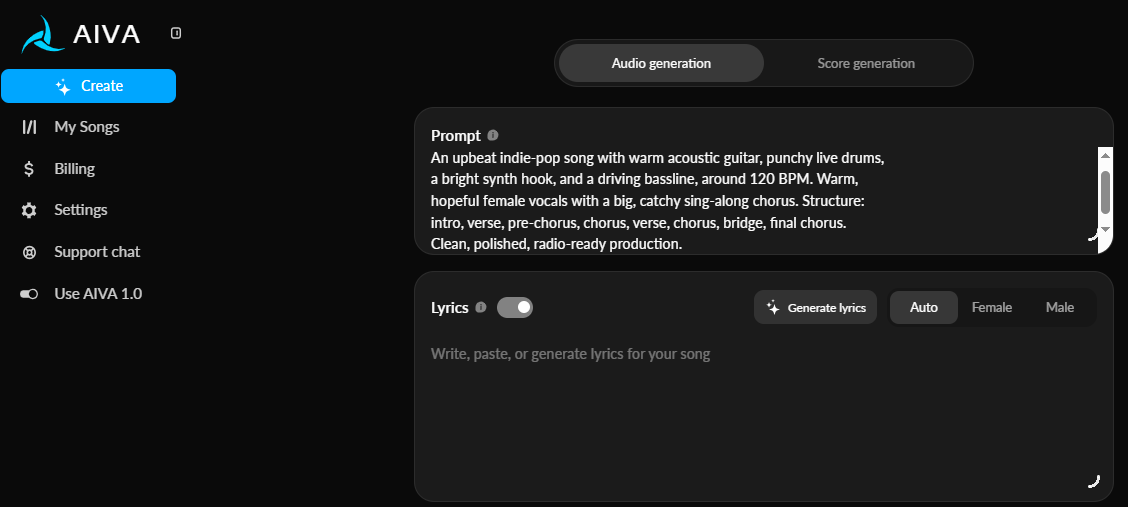
AIVA is aimed at composers rather than songwriters. It writes original instrumental music in more than 250 styles and is at its best with orchestral, cinematic, and emotional scores, the sort of thing you would put behind a film scene, a trailer, or a game. Just as important, it treats its output as a composition you can keep working on, not a locked audio file.
You can edit the arrangement directly and then export stems and MIDI to finish the piece in your own DAW, which is why it tends to win over people who score for a living.
A free tier covers non-commercial use, and paid plans run from about $11 a month up to roughly $36, adding commercial rights and higher limits as you go. The obvious limitation is that AIVA does not do vocals. It is instrumental only, and because it leans toward real composition rather than one-click songs, expect to spend a little time learning it before it clicks.
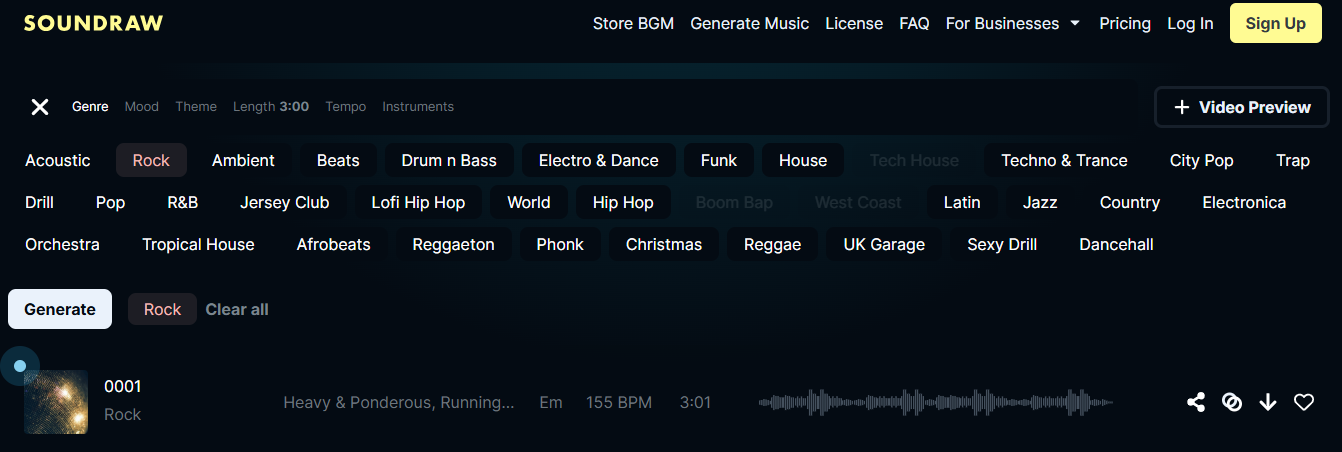
Soundraw exists for creators who need music they can drop into a project without a moment's worry about rights. Every track is royalty-free and copyright-safe because the model is trained on in-house material rather than scraped songs. Instead of rerolling a prompt and hoping, you generate a track and then shape it with a visual mixer, dialling instruments, energy, and length up or down or blending genres until it matches your video.
That mix of clean licensing and hands-on control has made it a staple for YouTube, podcasts, ads, and social content.
There is a free preview, but actually generating and downloading tracks means a paid plan from $16.99 a month, with pricier tiers for teams and heavier use. The thing to keep in mind is scope. Soundraw is built for instrumental and background music rather than vocal songs, and there is no real free generation beyond that preview, so it is less of a songwriting tool and more of a production-music engine.
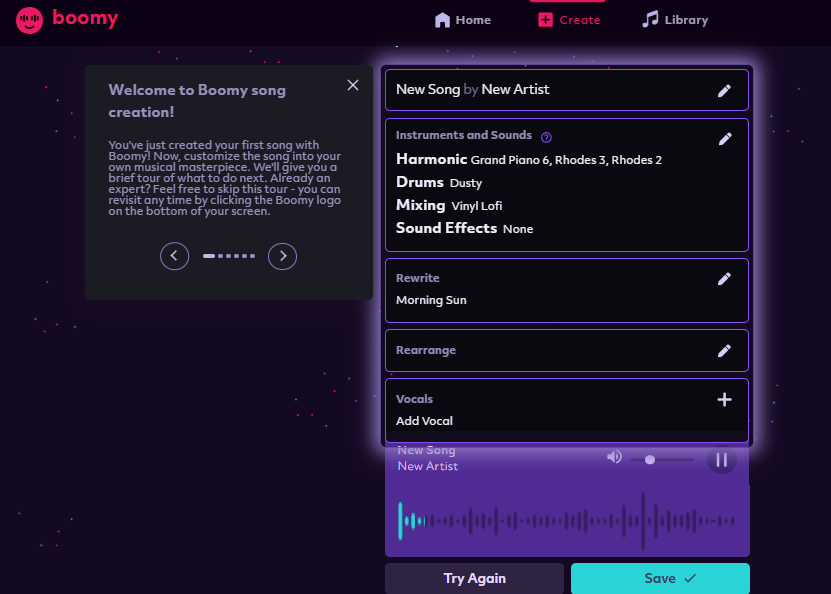
Boomy is the gentlest way into AI music. You choose a style, it spins up a song in seconds with no prompting skill or musical background required, and from there you can tweak and save it. Its real appeal, though, is what happens next. Boomy can distribute your songs to Spotify, Apple Music, TikTok, and other platforms, and you can collect royalties when people stream them, which makes it less a studio and more a create-and-release pipeline for hobbyists and first-time artists.
The free plan lets you make and save up to 25 songs for personal use, while paid plans from around $10 a month (up to roughly $30) unlock commercial use, more saves, and distribution. Set your expectations accordingly. The output is more basic than Suno or Udio and you get less fine control, and because releasing through Boomy involves platform rules and revenue splits, it pays to understand those before you hit publish.
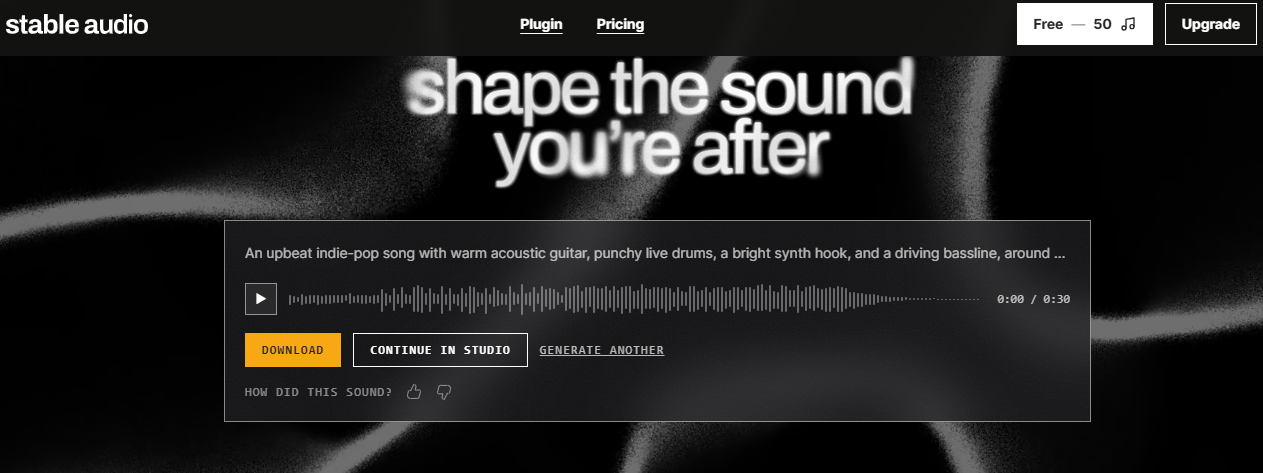
Stable Audio, from Stability AI, is the choice when licensing and instrumental or sound-design work matter most. The current release, Stable Audio 3.0, generates full compositions up to around six minutes and is trained on fully licensed data through deals with major labels, so commercial use stands on firm ground. It is also the most developer-friendly option on this list, with a solid API and open weights on its smaller models for teams building music into their own apps and games.
In use, it shines on instrumental beds, ambient textures, cinematic cues, and sound effects rather than vocal pop songs.
A limited free tier lets you try it, and paid plans from $11.99 a month add commercial rights and higher limits. The catch is simple. Stable Audio does not generate vocals or lyrics, and its web and API focus makes it less of a quick song maker for a singer-songwriter and more of a toolkit for producers and developers.
The best tool depends entirely on what you're making, so match your goal to the pick below.
The gap between a generic track and one that sounds deliberate usually comes down to how you prompt and iterate. A handful of habits make a real difference.
There is no single best AI music generator, only the best one for what you are trying to make. If you want a single recommendation, Suno is the strongest all-round choice in 2026. It makes the most convincing vocal songs, works fast, and now includes real editing and a DAW on its top tier, while Udio is the pick for producers who care most about audio fidelity and fine control.
If you plan to publish commercially and want to avoid legal grey areas, ElevenLabs Music, Stable Audio, and Soundraw are the safer bets thanks to licensed or in-house training data. Mureka is the value champion, AIVA owns cinematic scoring, and Boomy is the easiest way for a complete beginner to make a song and get it onto streaming.
The best part is that almost every tool here has a free tier, so the smartest move is to try two or three with the same song idea and keep the one that sounds most like you.

I've lost count of how many AI coding tools I've installed this year. Most of them can write a clean function from a one...

A good logo used to mean weeks of back-and-forth with a designer and a bill that could run into the hundreds or thousand...

Scam sites used to be easy to laugh at. Broken English, clip-art logos, a checkout page that looked like it was built in...

Are you in looking for a powerful and beautifully designed laptop? So your wait was over. Apple introduced its 12-inch M...