
Best AI Voice Agents for Inbound Calls
Every call that rings out to voicemail is a customer who will probably try a competitor before you call back. That is th...
A profile photo is often the first impression you make on a recruiter, a client, or a new connection. AI headshot generators let you create a polished one without booking a studio: you upload a few selfies, the tool learns your face, and within an hour or two it returns a batch of professional-looking portraits for LinkedIn, resumes, business sites, portfolios, and team pages.
The technology has improved a lot, but it is not perfect. Expect some odd facial details, over-smoothed skin, stray artifacts around hair or glasses, and occasional likeness drift, which is why you usually pick the best few from a larger batch. You are also uploading photos of your face, so privacy matters. This guide covers the ten strongest tools as of October 2026, what each does, and what each costs. Prices were checked in September and October 2026 and can change, so confirm before you pay.
| Tool | Best For | Starting Price | Free Option |
|---|---|---|---|
| BetterPic | High-resolution headshots | $35 one-time | Yes, up to 10 free 4K headshots |
| Aragon AI | Fast corporate headshots | $35 one-time | Free test generator |
| HeadshotPro | Company teams | $29 one-time | No |
| The Multiverse AI | Best value for individuals | $29 one-time | No |
| Secta Labs | Style variety | About $49 one-time | No |
| Try It On AI | Budget headshots | From about $17 one-time | No |
| ProfilePicture.AI | Many styles | About $8 and up | No |
| Photo AI | Ongoing generation | $9 per month | No |
| Fotor | Free web tool and editing | Free tier | Yes, limited credits |
| YouCam | Mobile editing | Free tier | Yes, limited |
A free option here means you can get a usable result without paying. Several tools offer only a preview and charge before you can download finished images.
About: BetterPic converts ordinary selfies into studio-style business portraits and delivers 4K resolution on every plan, not only the top tier. During setup, you choose from a large library of background, clothing, and color combinations, so you can build several distinct looks from one upload. After generation, an AI Studio lets you swap the background or change the outfit on individual shots, which helps when a pose is right but the setting is not. The output leans corporate and works well for LinkedIn, press pages, and company directories.
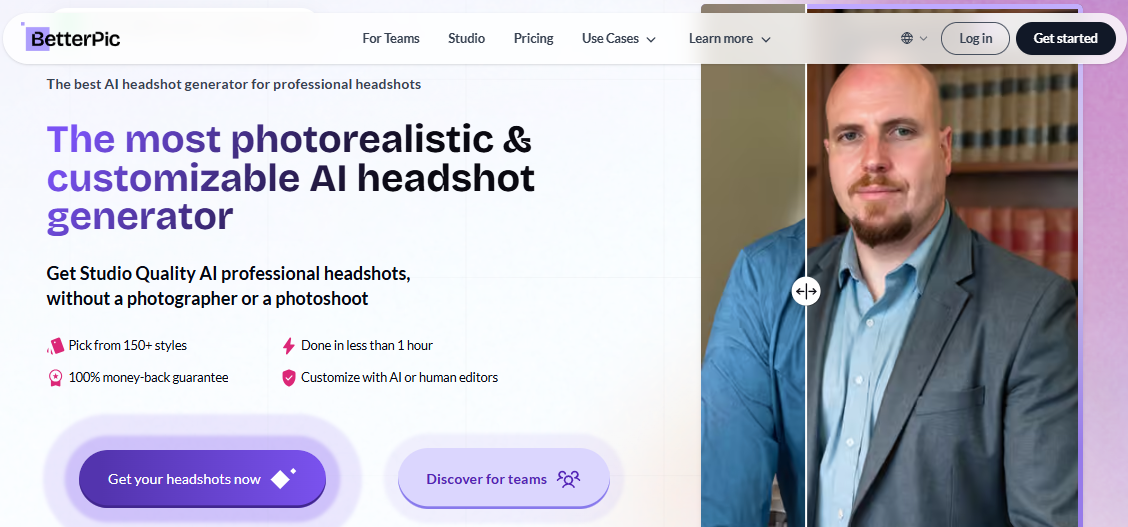
Pricing: A free tier gives up to 10 free 4K headshots.
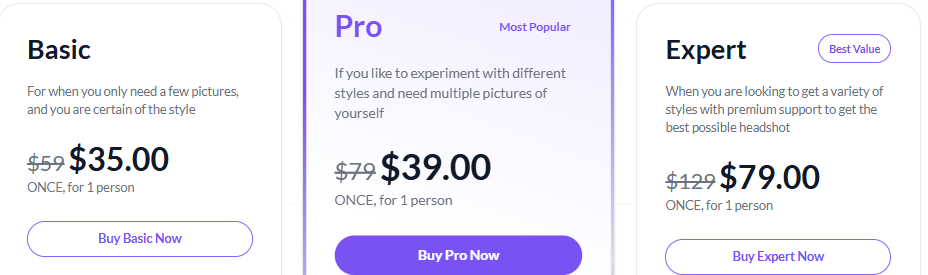
Best for: Print-ready 4K photos and enterprise data handling.
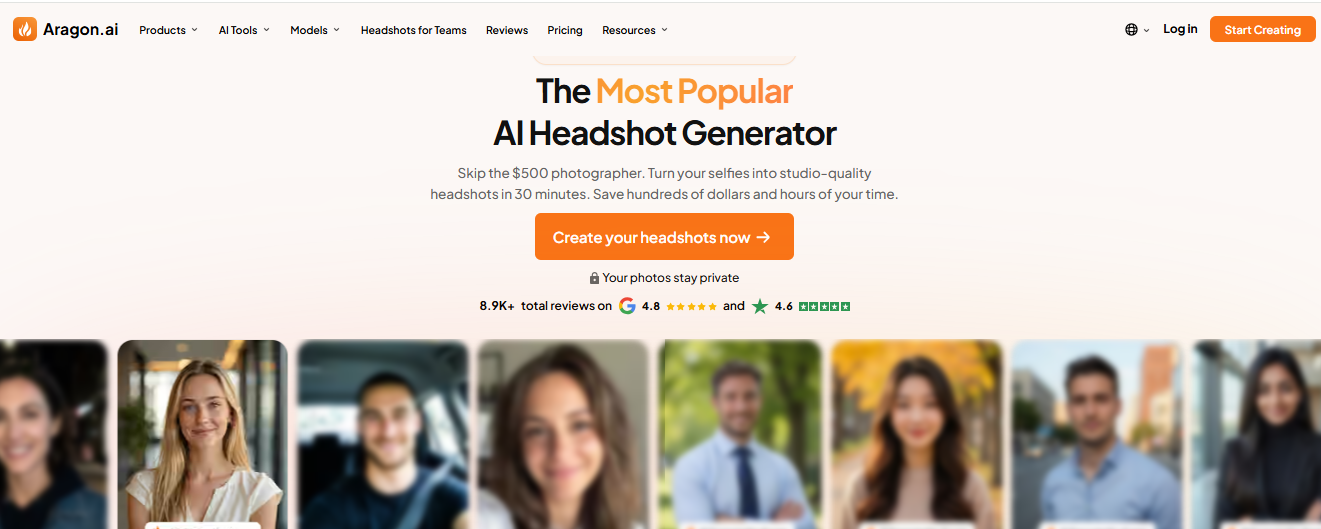
About: Aragon AI is a fast, corporate-focused generator. It takes roughly six selfies from different angles and returns a large gallery of clean business portraits, often within an hour and sometimes in as little as 15 minutes on the top tier. Its signature is volume and speed, so the bigger packs give you many variations and raise your odds of finding several keepers. The look is conventional and LinkedIn-friendly rather than artistic. One thing to watch is that entry-tier images can occasionally lose fine facial detail, so review the full batch closely.
Pricing:
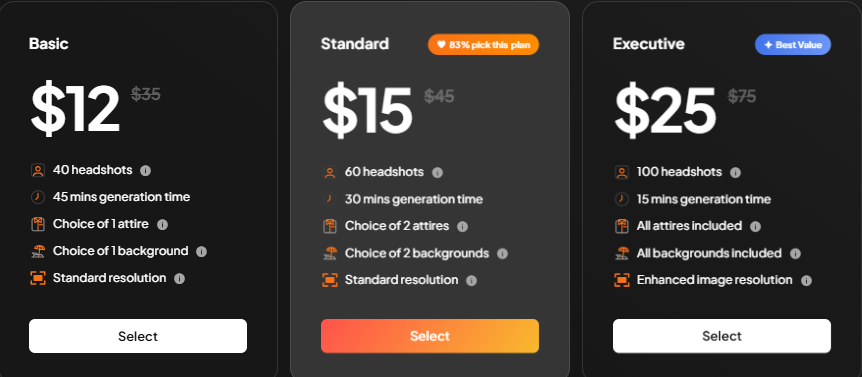
Best for: Fast, conventional business headshots.
About: HeadshotPro is one of the longest-running tools and is built around company rollouts. You upload a handful of selfies, it trains a personal model, and it returns dozens of corporate headshots in about two hours. The business tooling is where it pulls ahead: an admin dashboard, bulk invites so each employee uploads their own photos, centralized billing and invoicing, and compliance options for larger organizations. That makes it easy for an HR or operations team to produce a consistent, on-brand set across a whole company. Team credits do not expire, which helps when onboarding happens gradually.
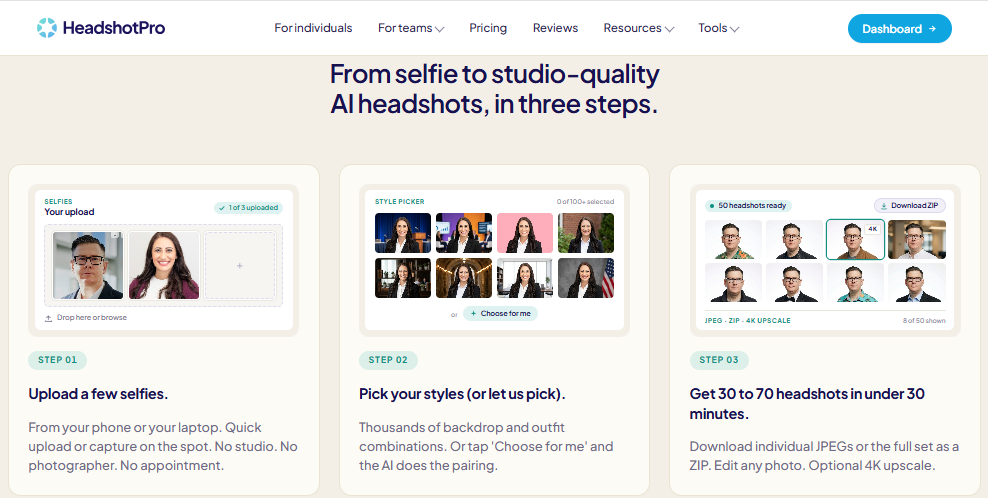
Pricing:
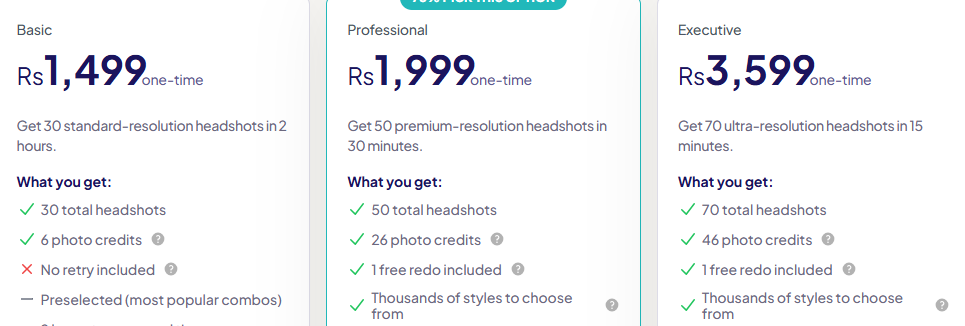
Best for: Companies rolling out matching headshots across a team.
About: The Multiverse AI is aimed at individuals who want the most photos for the least money. You upload 12 to 15 images and in about 30 minutes receive 100 professional headshots plus 20 custom photos, one of the highest volumes per dollar in the category. Its standout feature is an editor that takes natural-language instructions, so instead of hunting through menus you can type a request to change an outfit or background on a specific image. It emphasizes privacy and ownership: the company states uploads are never used to train its models, data is stored in the EU and processed in the US, and you keep full rights to your photos.
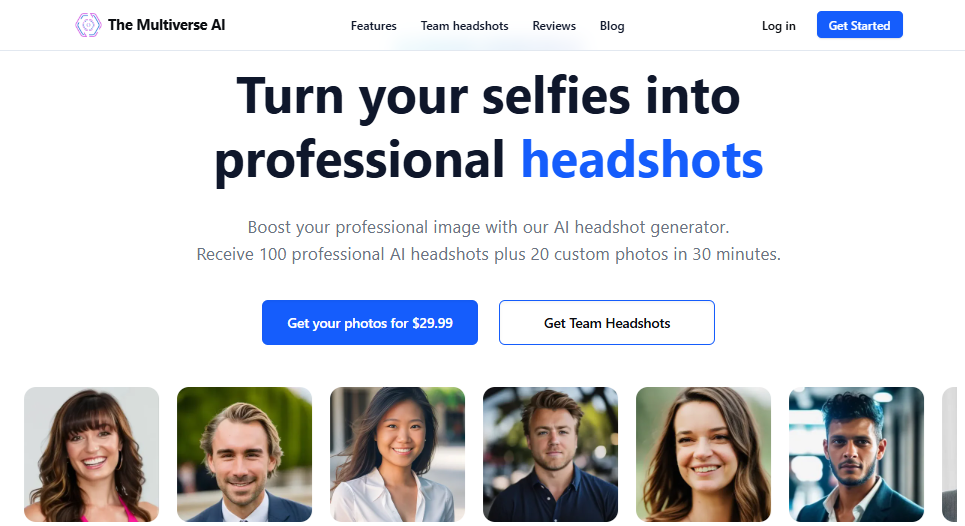
Pricing:
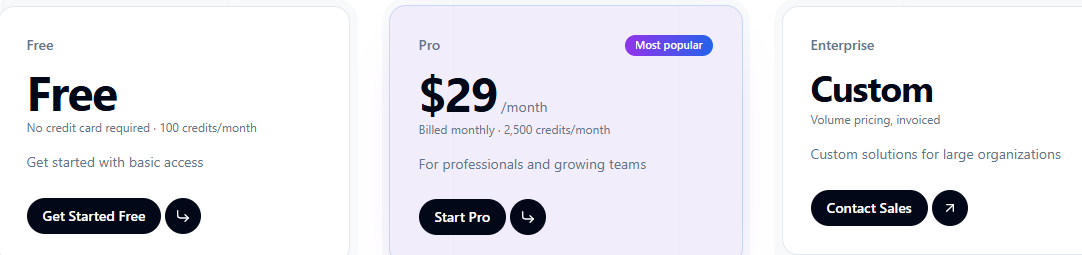
Best for: Individuals who want plenty of options at a low cost.
About: Secta Labs leans into variety and a recognizable editorial style rather than plain corporate portraits. You provide 15 to 25 existing casual photos, it trains a personal model, and it generates 200 to 300 or more images across a very wide range of styles, usually in under an hour. The outputs have a distinctive, polished signature that creators, founders, and personal brands tend to like, because they read as intentional rather than generic. The breadth of looks is the main reason to pick it, since you get more stylistic range in one purchase than most competitors offer. It is designed around a single user and includes a money-back guarantee.
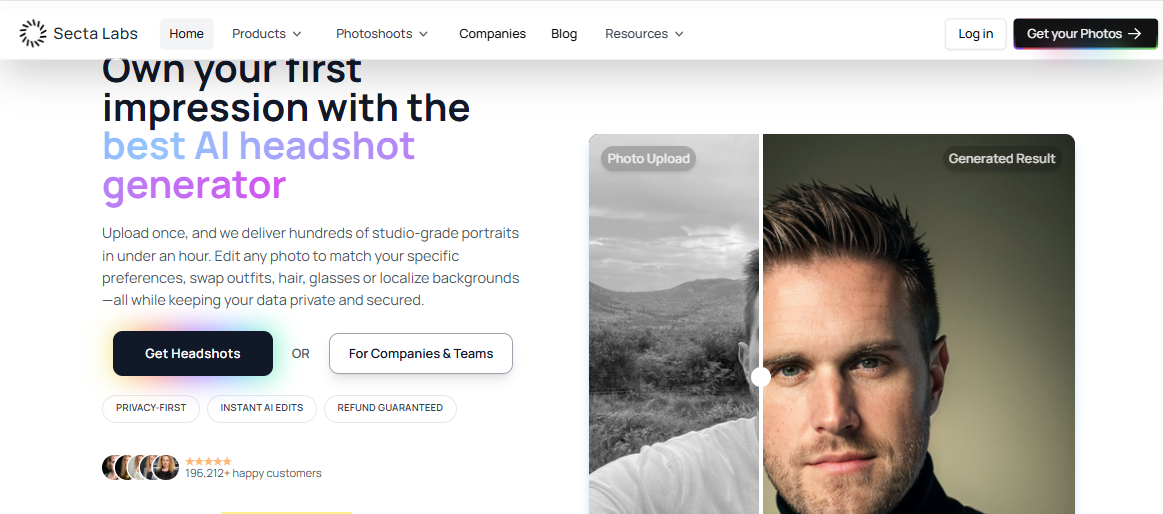
Pricing: One-time purchase around $49 for 200+ headshots across 90+ styles. Some reviews cite entry pricing in the upper-$50s, so check the current package. Team pricing is custom.
Best for: Personal brands and creators who want range and a signature style.
About: Try It On AI is the budget entry, built for people who mainly need a usable professional photo without a recurring cost. You upload 10 or more selfies and it returns a large batch of studio-style headshots, with an Express option for quick delivery, often in around two hours. It includes industry-specific presets, so you can nudge the output toward the look expected in your field. The trade-off for the low price is that quality tracks your input photos closely, so clear, well-lit selfies make a real difference. There is no subscription and no permanent free plan.
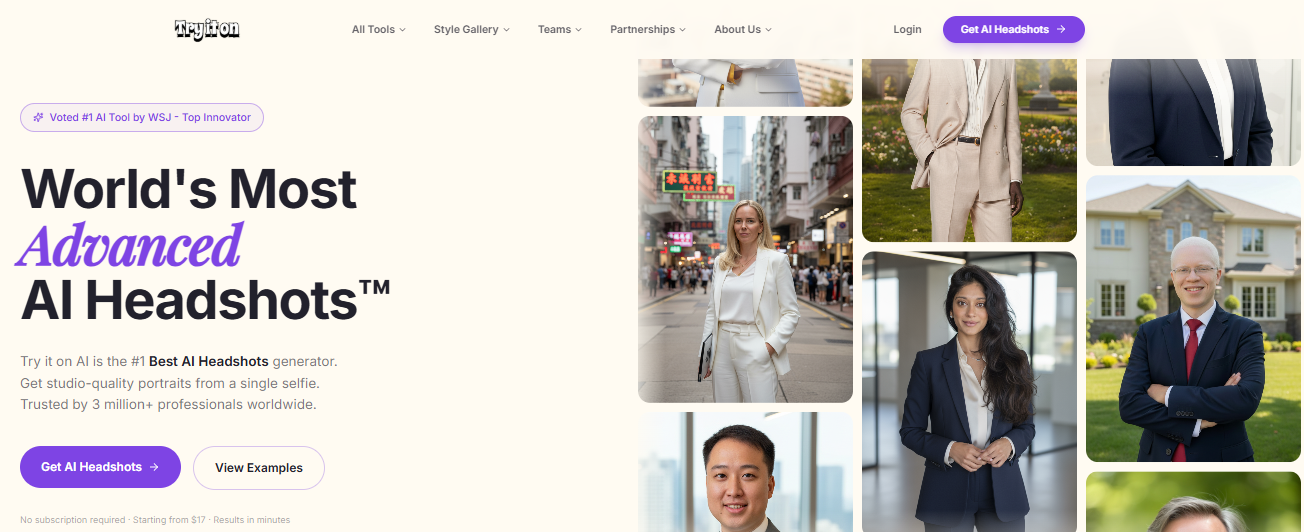
Pricing: One-time Express AI Headshots from about $17 to $21 for a large batch, with a premium tier around $45. No subscription.
Best for: The lowest entry price when budget is the main concern.
About: ProfilePicture.AI is broader than a strict corporate tool, offering more than 350 styles that span business portraits, minimalist and fashion looks, and more creative avatars. That makes it a fit when you want images for several platforms, from a professional LinkedIn photo to an expressive picture for social media. You upload your photos, pick styles, and receive a photorealistic gallery in common formats. On privacy, it states it deletes user data and outputs within 24 hours and stores data on secure U.S. servers. The breadth of styles is the selling point, though some of the artistic looks can come out unrealistic.
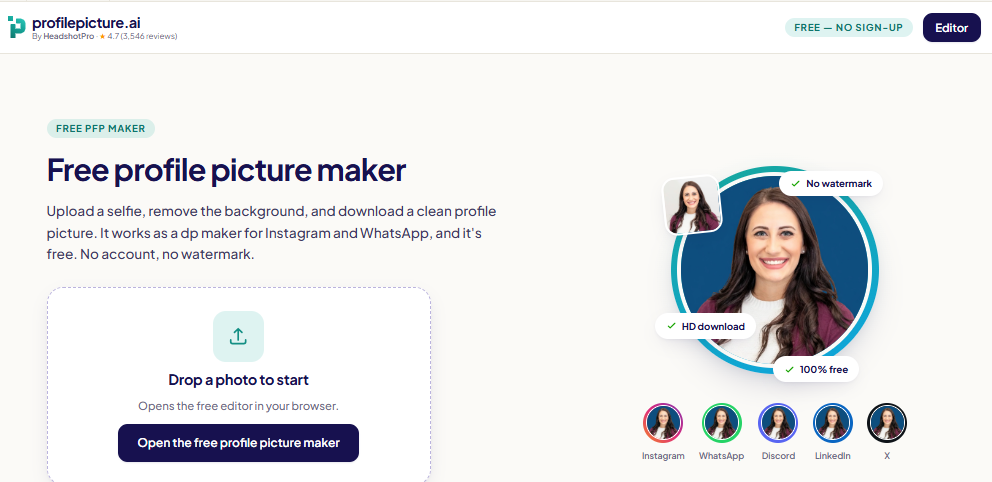
Pricing: One-time, promotion-based tiers. A small pack has started around $8, a larger pack near $14.75, and an all-styles pack around $24.75. Prices swing with discounts, and there is no free usable output.
Best for: Variety of looks across several platforms.
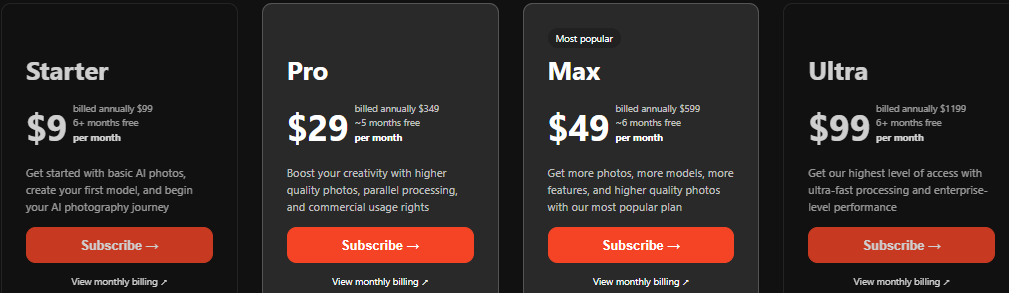
About: Photo AI is the one subscription-based tool here and is wider in scope than a single shoot, since it generates both photos and video across many styles. You train a model of yourself once, then regenerate new images whenever you like, which suits people who update their profile pictures and social content regularly rather than buying one batch and stopping. That makes it a better fit for creators, marketers, and heavy social media users than for someone who needs one LinkedIn photo. Commercial usage rights begin on the higher tiers rather than the entry plan, so confirm your tier covers business use before publishing.
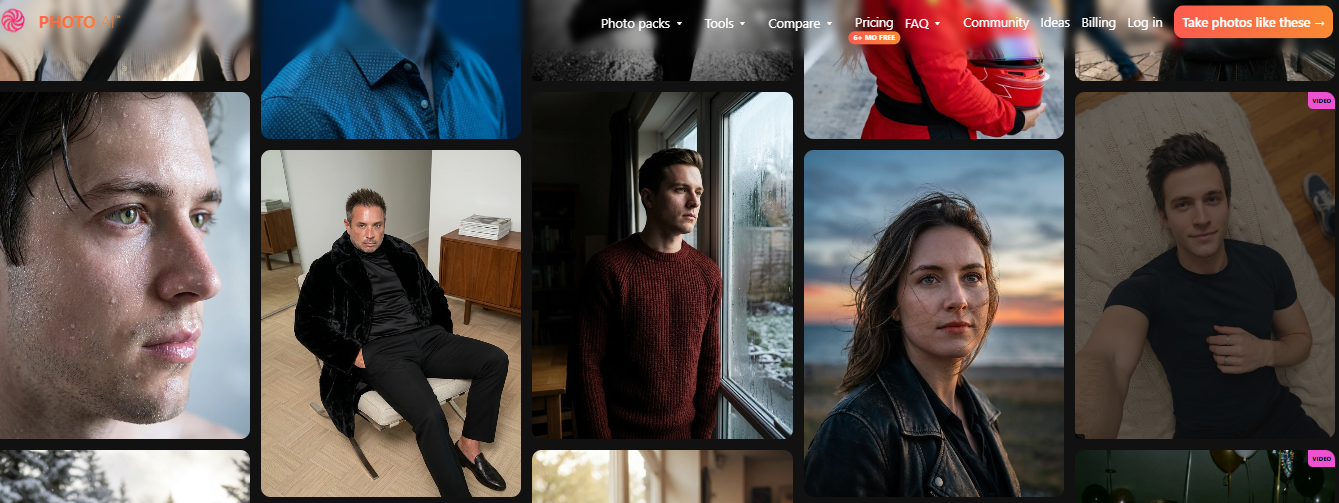
Pricing:
Best for: People who will generate images month after month.
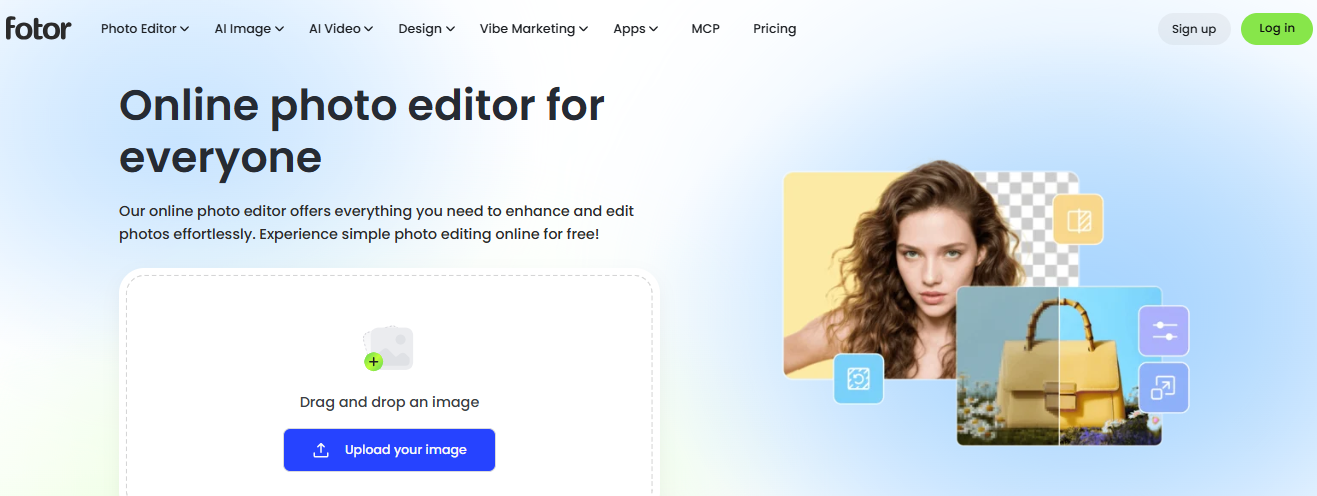
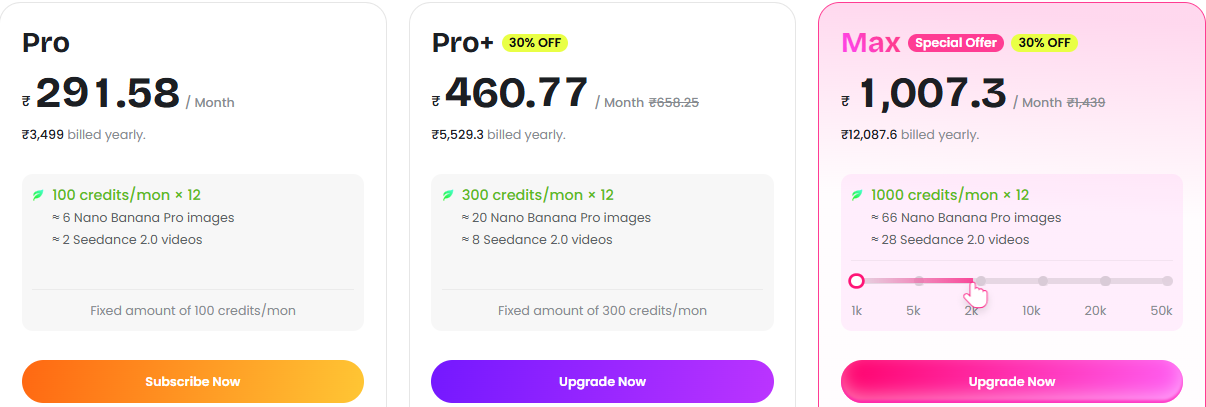
About: Fotor is a well-established online photo editor that added an AI headshot feature to a much larger toolkit, so it does double duty: it can generate headshots from a selfie and also edit or enhance photos you already have, including background removal and retouching. The headshot tool selects from preset templates, which makes it quick and beginner-friendly but less tailored than a dedicated generator that trains a model of your face. It is a good low-commitment starting point because it offers a free run before charging. Fotor states uploaded photos are deleted within 24 hours. Expect a more template-like result than the specialist tools produce.
Pricing:
Best for: A free way to try AI headshots or lightly edit a photo you already have.
About: YouCam is a family of mobile-first apps from Perfect Corp, known for beauty, camera, and photo editing, that now include AI headshot and AI avatar features alongside a deep set of editing tools. Its strength is the mobile workflow and retouching: you can enhance, clean up, change a background, and polish a portrait you already have, all from your phone. The AI headshot option sits within that wider toolkit rather than being the core product, so it is more of a convenient add-on than a studio-grade headshot service. It runs on a freemium model, with stronger features behind a paid plan.
Pricing: Freemium. Pro around $19.99 per month and Premium near $39.99 per month, varying by app and region.
Best for: Editing or enhancing an existing portrait on your phone.
| User Need | Recommended Tool |
|---|---|
| LinkedIn profile photos | BetterPic or Aragon AI |
| Job seekers and resumes | The Multiverse AI |
| Entrepreneurs and freelancers | Secta Labs |
| Corporate teams | HeadshotPro or BetterPic |
| High-resolution portraits | BetterPic |
| Budget-conscious users | Try It On AI |
| Edit an existing photo | Fotor or YouCam |
| Looking for a free option | Fotor or BetterPic |
A cheaper pack is not always better value. A pricier tool that returns more usable, higher-resolution images can cost less per photo you actually keep.
The number of input photos varies by tool, so do not assume one selfie is enough.
| Factor | AI Headshot Generator | Traditional Photographer |
|---|---|---|
| Initial cost | Often $17 to $79 one-time | Often $150 to $350 or more |
| Convenience | Done online from your photos | Usually needs scheduling |
| Variety | Many presets | Depends on the session |
| Likeness | Varies between outputs | Captured directly |
| Editing | Depends on the controls | Depends on the photographer |
| Best suited for | Quick digital portraits | Authentic, directed sessions |
Neither wins outright. AI is faster and cheaper with more variety, while a photographer captures a true likeness in a directed session.
There is no single winner. For 4K LinkedIn headshots and strong security, choose BetterPic. For the most images per dollar, The Multiverse AI at $29 is hard to beat. For fast corporate portraits, use Aragon AI, and for company rollouts, HeadshotPro. For style range, pick Secta Labs. On the tightest budget, Try It On AI has the lowest entry price, and ProfilePicture.AI offers the most styles. To edit a photo you already have, use Fotor on the web or YouCam on mobile. Pick Photo AI only if you will generate images regularly. Confirm the current price and privacy terms before you upload or pay.
Every call that rings out to voicemail is a customer who will probably try a competitor before you call back. That is th...
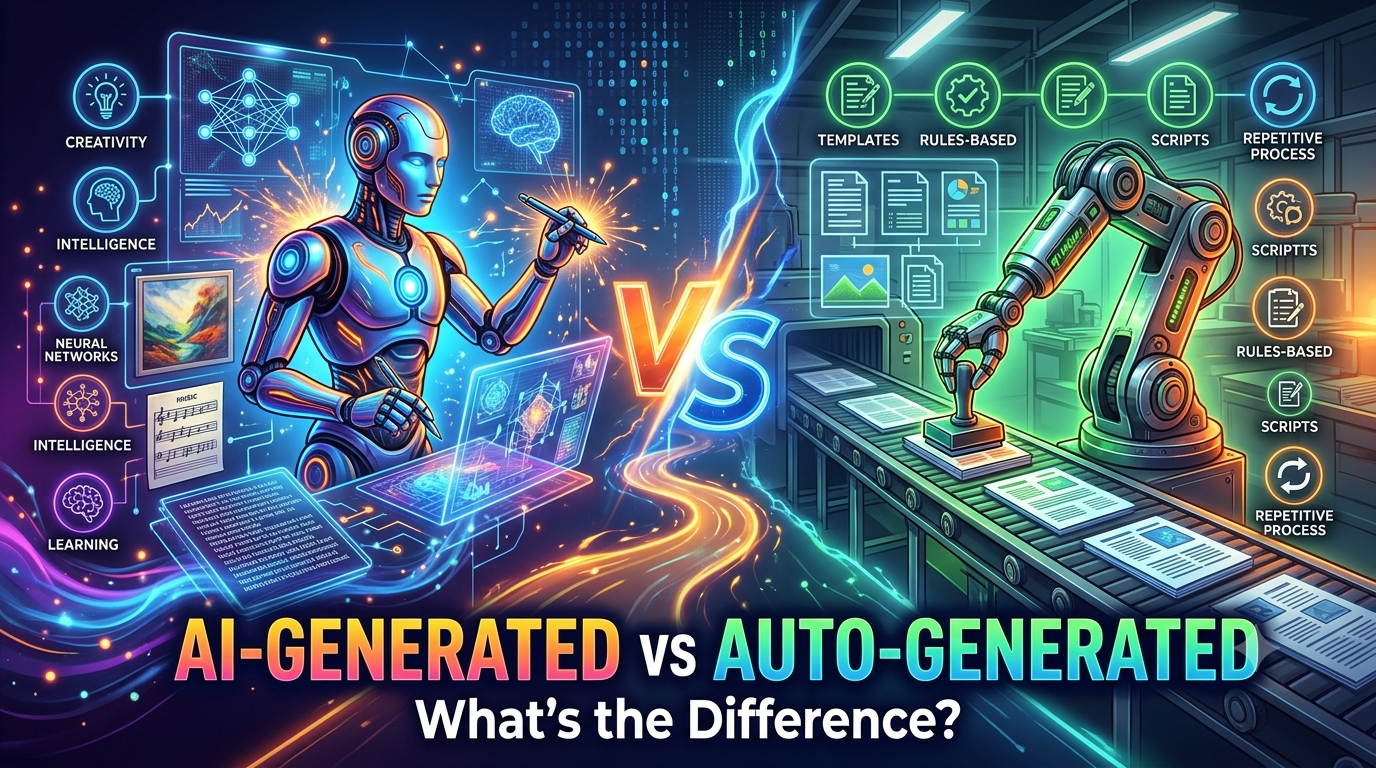
Why these two terms get mixed upPeople use “AI-generated” and “auto-generated” as if they are the same thing, and in cas...
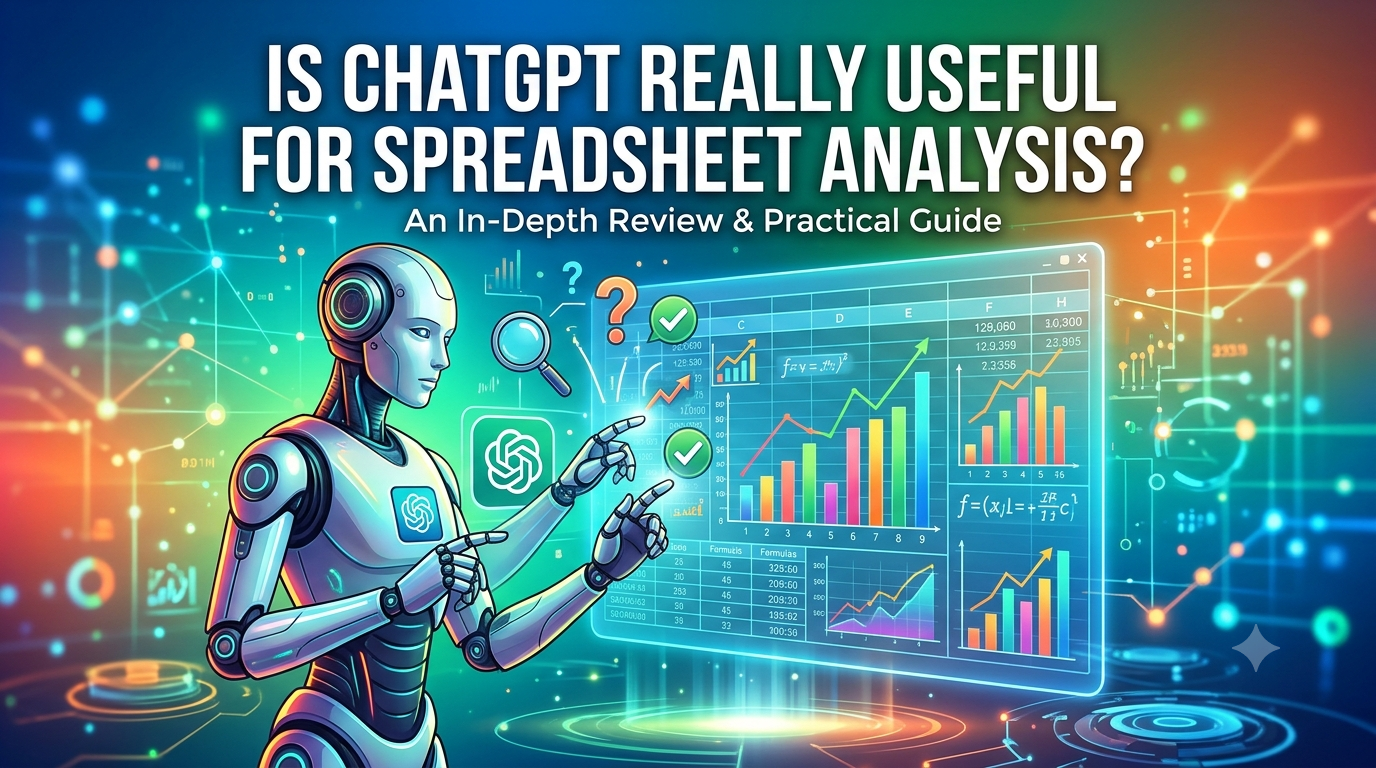
You have a spreadsheet with hundreds or thousands of rows, and the answer you need is buried in it. Which product is pul...
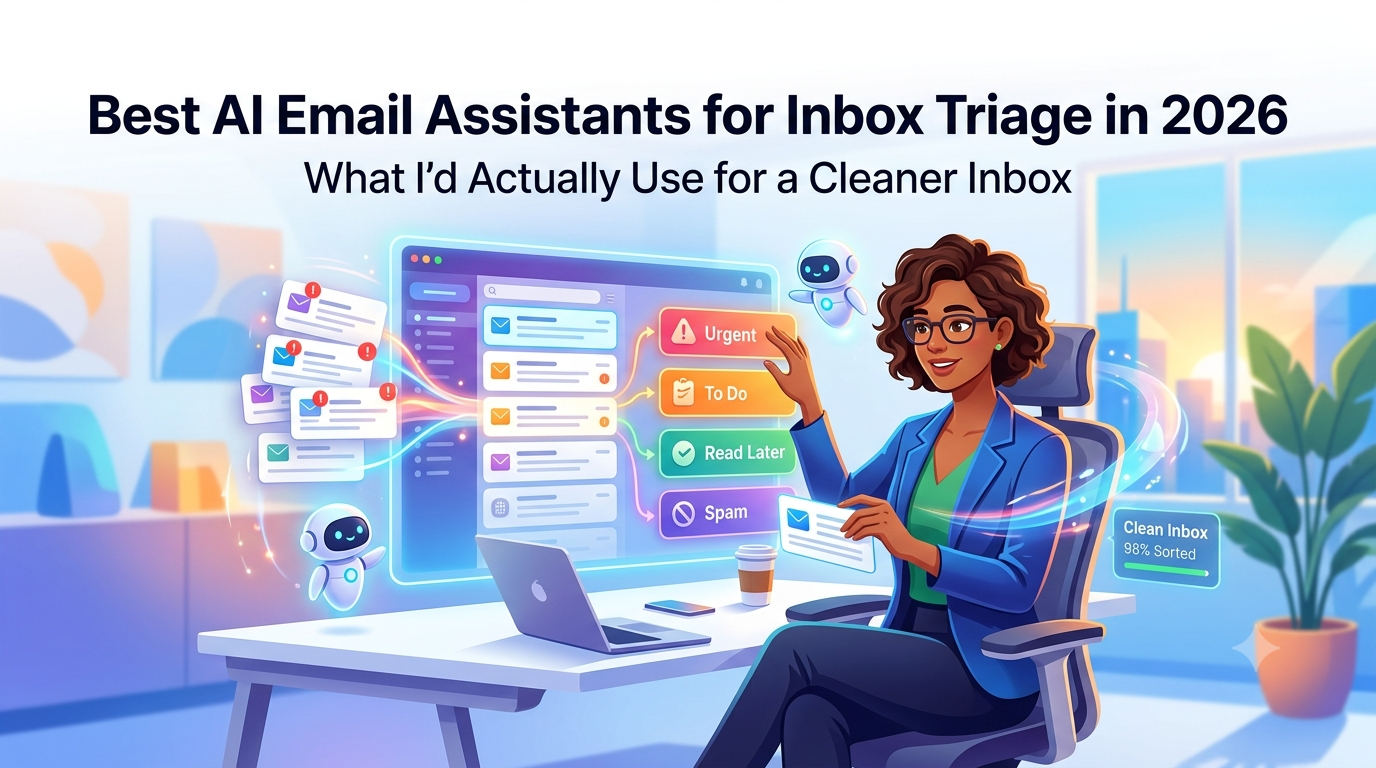
My inbox this morning was 213 unread. Two are clients who need an answer today. One is a contract waiting on a yes or no...