
Best AI Spreadsheet Tools to Analyze Data and Automate Tasks
Best AI Spreadsheet Tools at a GlanceToolBest ForWorks InStandout AI FeatureStarting PriceMicrosoft Excel with CopilotPe...
People come to InSnoop to do one thing that is to watch a public Instagram Story without opening it from their own account and landing in the owner’s viewer list. InSnoop promises exactly that, with no login. The two things you need to know before trusting it are that it only works on public accounts, and that its homepage claims it collects no data while its own privacy policy says it collects quite a lot. This review is built around what InSnoop’s live site and policies actually show.
I examined insnoop.com directly, including its homepage, privacy policy, and terms (both policy pages dated 2026-07-14). The interface and policy claims below are first-hand observations of the site. I did not run test accounts or time story loads, so the hands-on section is an evidence-based evaluation, not a staged test.
InSnoop is a browser tool at insnoop.com that pulls a public account’s Stories into its own page so you can watch them without your name registering as a viewer. The site describes itself as a fan page that is not connected with Instagram and states that all content belongs to the original creators.
That matters for two reasons. First, InSnoop has no partnership with Instagram and no special access. Second, because the name is generic, anything calling itself InSnoop on a different domain or in an app store should be treated as unofficial. The verified address is insnoop.com.
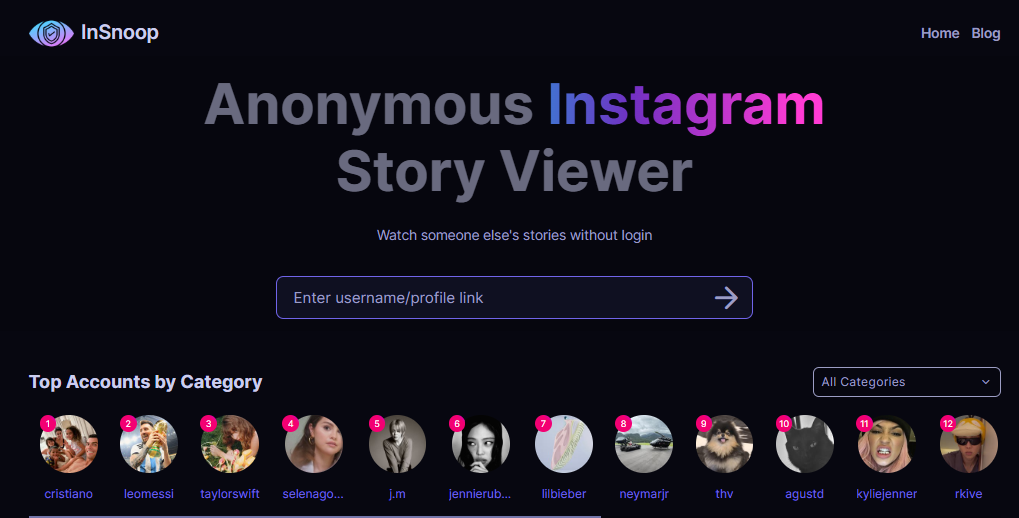
You give InSnoop a public username, it fetches that account’s public Stories from its own servers, and it displays them to you. Because the request comes from InSnoop rather than your Instagram account, your name does not enter the owner’s viewer list. InSnoop does not document its backend beyond this, and I won’t invent details. The practical point is that you are watching public content through a middleman site, not through Instagram, and that dependency is why these tools stop working whenever Instagram changes how it serves Story data.
Following the site’s own instructions:
If nothing loads, confirm the account is public and the handle is spelled correctly, since InSnoop cannot pull anything from a private account. If a public account still fails, that usually points to an Instagram-side change breaking retrieval or an ad sitting in front of the content. InSnoop does not guarantee every search works.
Rather than take InSnoop’s homepage at its word, I ran it on a real public account and recorded what happened at each stage.
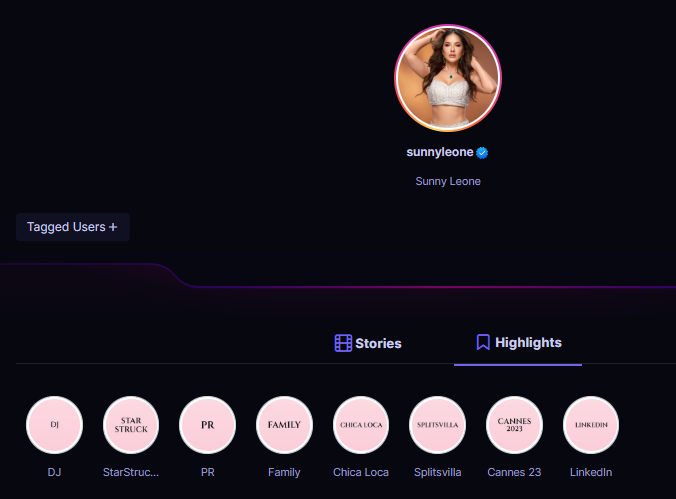
The account I tested I used the verified public profile of Sunny Leone (handle: sunnyleone). I picked a verified, clearly public account on purpose, since InSnoop only works on public profiles and a verified account rules out any ambiguity about whether the content should be accessible.
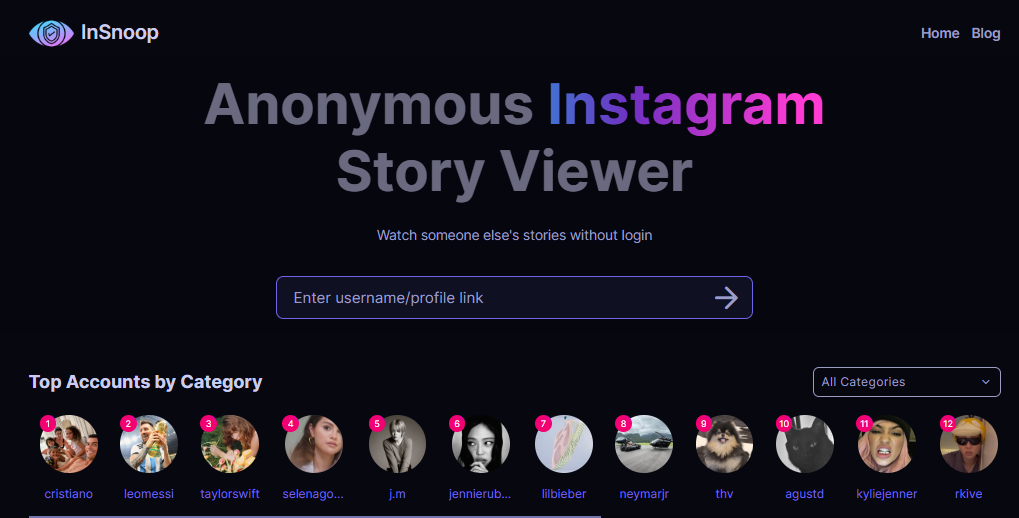
What I entered. On insnoop.com I typed sunnyleone into the search box, which is labeled “Enter username/profile link,” so a plain handle works and you do not need the full URL.Then I clicked the arrow button to submit.
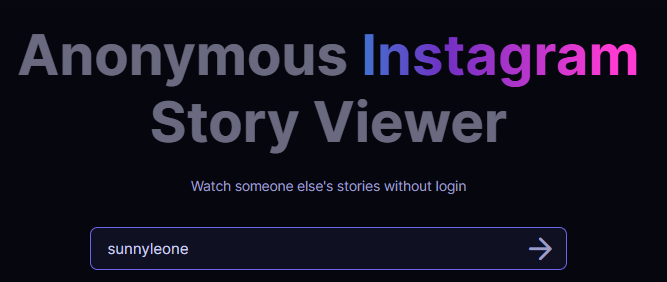
The result I got. InSnoop went straight to a profile page with no login prompt, no account creation, and no verification step.
The Stories tab. This opened by default and was the most useful part of the test. It told me “7 stories, the last story was added about 21 hours and 30 minutes ago,” which is a genuinely helpful detail, since Instagram itself does not show you a story count or a precise “last added” time from the outside. The stories appeared as a grid of thumbnails, each with a play button in the middle, and a “Sort” control sat in the top right. Clicking a thumbnail plays that story in the viewer.
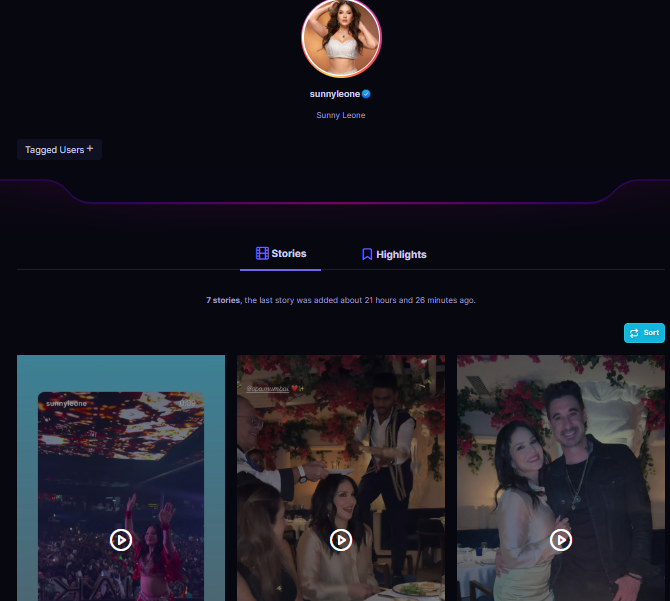
The Highlights tab. Switching tabs listed the account’s saved Highlights as labeled circles: DJ, StarStruck, PR, Family, Chica Loca, Splitsvilla, Cannes 23, and LinkedIn. These are the creator’s permanent Highlights, not just the active 24-hour stories, and they open the same way.
Anonymous public Story viewing. The core function. For public accounts, InSnoop advertises that owners cannot see you in their seen list. The limit is built in: public accounts only, and “anonymous” means anonymous to the account owner, not to InSnoop.
Highlights. InSnoop states you can view Highlights from any public profile, not just active Stories.
Live Stories and timestamps. The homepage lists checking live Stories and viewing Stories with a timestamp as intended uses. These are advertised claims; I could not verify how accurately either behaves.
Downloads. InSnoop advertises saving images and videos across desktop and mobile. Its own FAQ notes downloaded content belongs to its creator and is offered for informational purposes.
No login. InSnoop requires no Instagram account and no login of any kind. This is its single most important safety trait.
Browser-based. As a web tool, InSnoop states it runs on PCs, tablets, Android, and iPhone through a browser, with nothing to install.
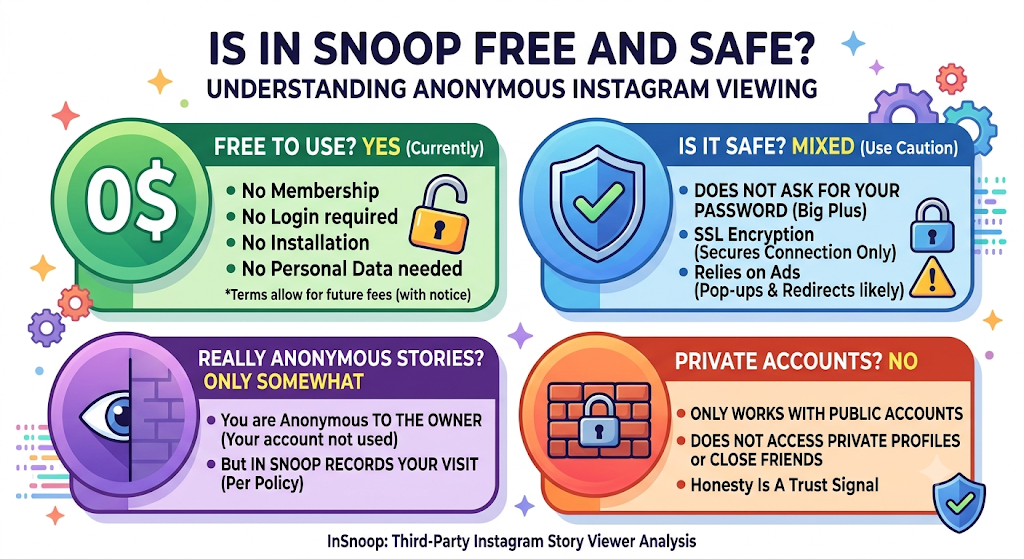
Yes, on the current site. InSnoop states it is free with no membership, no login, and no installation, and that you can use the service without providing personal data or signing up. I found no subscription tiers or prices on the live pages. Two caveats: free tools like this are typically ad-funded, and InSnoop’s terms reserve the right to charge for the service later with notice.
The strongest point in its favor is that InSnoop never asks for your Instagram login or password. That removes the biggest risk this kind of tool can carry.
InSnoop claims SSL encryption. That secures the connection between your browser and the site, but it does not make the operator trustworthy, vet the ads it serves, or prove it does not log your activity. Encryption covers the connection, not the operator.
The realistic friction with InSnoop is its ad layer, where pop-ups and redirects live. There is no evidence InSnoop is malicious, and its no-login design is a real plus, but on privacy it is weaker than it presents, which is the next section. I would not label it definitively safe or unsafe on the strength of a site’s claims about itself.
Only in a specific sense. Your name does not appear in the account owner’s viewer list, because your Instagram account never makes the request. That part is credible for public accounts, and Instagram does not notify owners that a Story was pulled through a third-party tool.
What it does not mean is that you are anonymous to InSnoop. By its own privacy policy, InSnoop records information about your visit. So “anonymous” is accurate toward the person whose Story you watched and misleading if read as invisible to everyone. No one should promise invisibility beyond the viewer list.
No. InSnoop’s FAQ confirms it only works with public accounts. It does not claim access to private profiles or Close Friends content. This is a trust signal rather than a weakness: a viewer that promised to break into private accounts would be the one to avoid, usually because it is either lying for clicks or fishing for your credentials. InSnoop’s honesty here is the correct answer.
Pros
Cons
| Factor | InSnoop | Instagram (official) |
|---|---|---|
| Login required | No | Yes |
| Appears in viewer list | No (public accounts) | Yes |
| Private account access | No | Yes, if you follow |
| Reliability | Inconsistent | High |
| Privacy transparency | Conflicting claims | Platform policy applies |
| Features | View and download public Stories/Highlights | Full posting, messaging, interaction |
These are not interchangeable. InSnoop does one narrow thing, passive anonymous viewing of public content, and does not replace Instagram. For posting, messaging, or viewing private accounts you follow, you need the official app. For a discreet look at a public Story, InSnoop handles the specific gap Instagram deliberately leaves open.
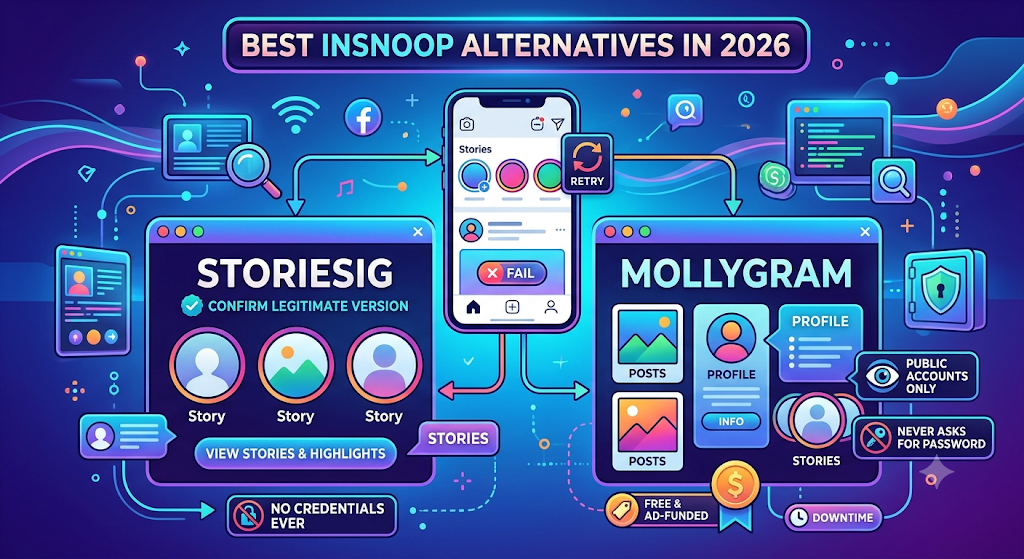
If InSnoop fails to load a username, two widely used alternatives in the same category are worth bookmarking. Both share InSnoop’s core limits: public accounts only and no credentials ever.
Neither accesses private accounts, and neither should ever ask for your password.
InSnoop does its one job sensibly. It shows public Stories and Highlights without a login, keeps you out of the owner’s viewer list, runs in any browser, and is honest that it cannot touch private accounts. The no-credentials design is the main reason to prefer it over viewers that ask you to sign in.
The reservations are reliability and transparency. It will break when Instagram shifts its systems, so it is fine for a casual look and poor for anything you depend on. And its homepage promise of collecting no data flatly contradicts its own privacy policy, which discloses IP logging, analytics, cookies, and months-long retention. That gap is what I would weigh most.
Worth trying if you want a quick, anonymous look at a public account and you accept that “anonymous to the owner” is not “private from InSnoop,” and that free means ad-supported. Never enter an Instagram password anywhere it or a competitor might ask, and keep StoriesIG or Mollygram on hand for when it stops loading. For dependable everyday use, the official app is still the better tool.

Best AI Spreadsheet Tools at a GlanceToolBest ForWorks InStandout AI FeatureStarting PriceMicrosoft Excel with CopilotPe...
Three charts. Zero sign-ups. One nagging question answered.Every "free AI tool" lives in one of two worlds. In the first...
Lenso.ai is a reverse image search tool. You upload a photo, and it shows you where that photo appears online. It can al...

Phyzii is a cloud-based CRM built by Cirrius Technologies specifically for pharmaceutical and life sciences sales teams....